History -> Blocked Sessions
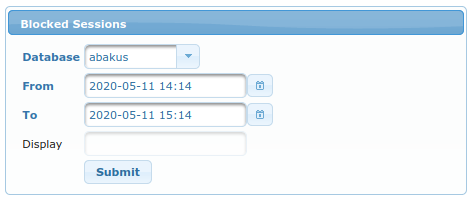
Form allows to select which Database to analyze in which period (From and To).
Chart

Chart displays amount of blocked sessions in selected period. One of the bars (the highest one) is of red colour - this means that the table bellow the chart refers to the same point-in-time as the red bar.
Tree Table of Blockers and Waiters

Treetable displays who was blocking who. The columns are as follows:
SID- Session ID (composed of <inst_id>.<sid>.<logon_time>)Status- Status of the session as reported byv$session.statusUsername- Username for this sessionSec in Wait- Seconds in wait as reported byv$session.seconds_in_waitSQL- SQL that is currently being executed. You can click on it to see more details.Previous SQL- SQL that was executed before the current one. You can click on it to see more details.Event- Event which is being waited on.Owner- Schema owning the object that was locked and being waited on.Object Name- Name of the object that was locked and being waited on.Object Type- Type of the object that was locked and being waited on.