Login
Repository Login
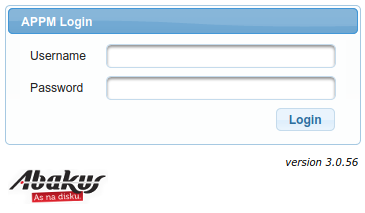
You can access web application interface at:
https://<hostname>/appm/
Default username and password after installation are:
- Username:
admin - Password:
change_me
Database Login
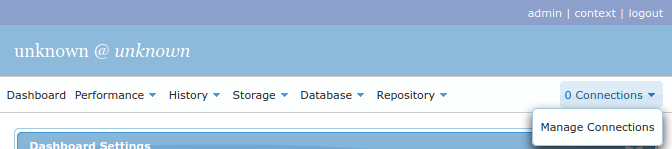
You may connect to running Oracle instances via SQL*Net to obtain data directly from the database, rather than
querying sampled data. You can do so by clicking n Connections -> Manage Connections in upper right corner.
Everything under Performance, Storage and Database menus requires such SQL*Net connection, while all other menus refer only to
samples stored in repository database.
Context Fields
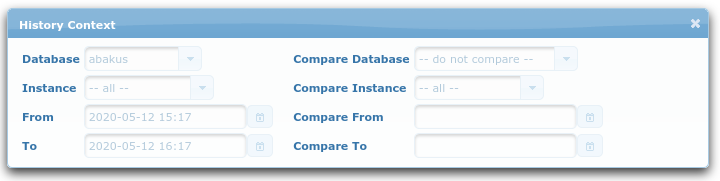
Note that some fields have “blue” labels, such as the ones in the screenshot above (you can open this popup
by clicking context in the top right corner).
Those context fields are session scoped and so they persist across the graphical interface among different pages.