Session Detail
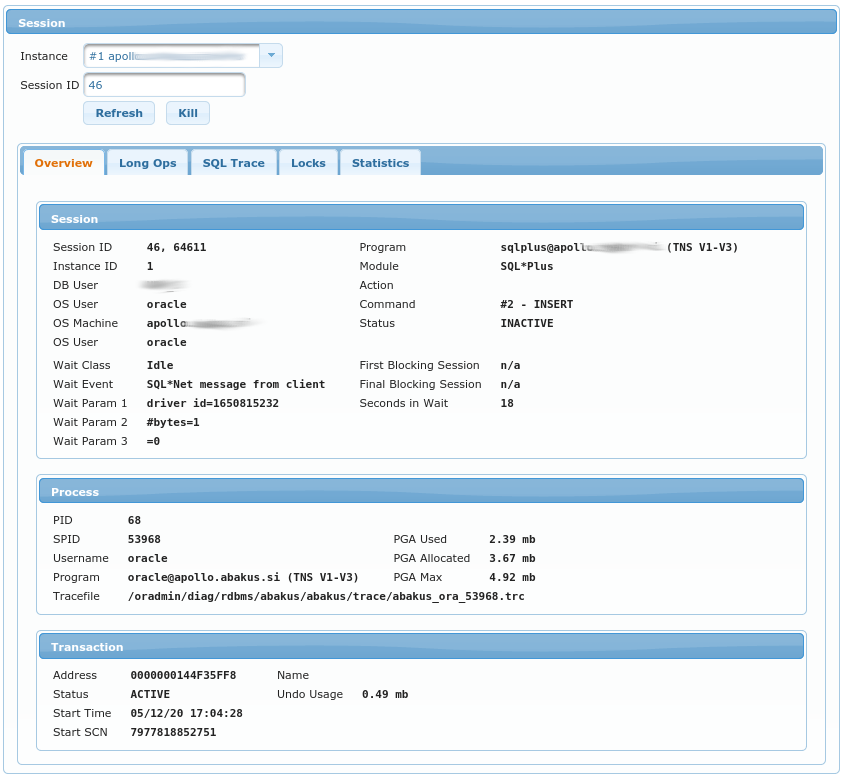
Session view displays session details based on Instance and Session ID (those two fields refer to gv$session.inst_id and
v$session.sid).
Under Overview tab, there are columns from:
Longops

The table displays longops for this session. Columns are as documented in the official Oracle documentation:
v$session_longops
SQL Trace
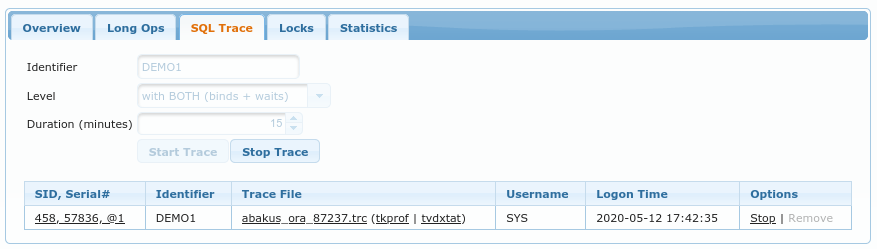
Here you can enable SQL Trace-ing for selected session.
Identifieris the name for APPM so that you can later find trace files according to those identifiers.Levelis the level for SQL Trace, you can trace with or without bind variables and waits (or with both) - the more details that you require, the bigger the trace files becomes :)Durationstops SQL Trace after this amount of minutes. This option here is because we don’t want to enable tracing and then forget that we enabled it.
Note that tracing a session might have performance implications on the traced session.
The table lists all the trace files that are available for this session.
You can either download raw trace file or send it through tkprof or tvdxtat (those
are both tools that allow you to create aggregated report from raw trace files).
You can also Stop tracing or Remove the trace file. Note
that you cannot remove a trace file of a running session - this is why
most of the time this Remove option is grayed-out.
All the available trace files (even for sessions that no longer exist)
are available in Performance -> SQL Trace view.
Locks

This tab displays list of all the locks that this session is holding. Data displayed is based
on v$lock performance view.
Columns in the table are:
Commandis the type of command that session is currently executingAcquiredis the lock type that is currently acquiredRequestedis the lock type that is being requested (waited on)ID1this column also displays comment of what this id is, e.g.object #ID2this column also displays comment of what this id is, e.g.table/partition.ObjectifID1orID2are referencing object fromdba_objectsthen this column shows what object is being referenced.Typewhat kind of lock this is, column also includes comment about the type.
Statistics
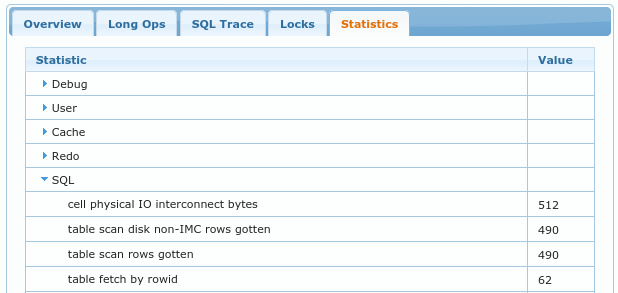
Table displays various statistics from gv$sesstat.