SQL Detail
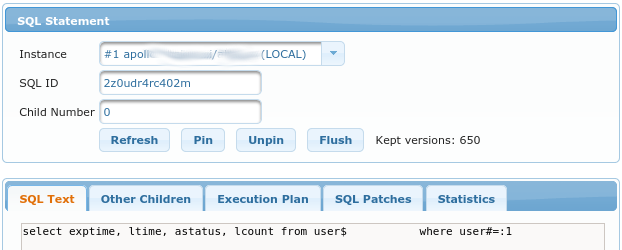
SQL Details are displayed for SQL identified by:
Instance- this isinst_idSQL ID- this identifies the SQLChild Number- specific child number, can be0if child is not known
SQL Text
Displays complete SQL Text for selected sql_id.
Other Children
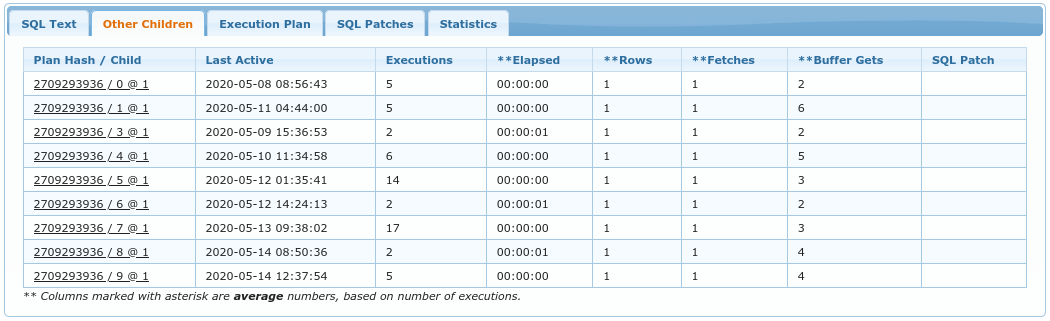
This tab displays list of all known SQL Plans. This is basically list of plans from v$sql.
If child number was known when the dialog was open, then this child number is highlighted with green color as seen on the screenshot.
Columns are as following:
Plan Hash / Child- Plan hash is numeric representation of the current SQL plan for this cursor. Comparing one PLAN_HASH_VALUE to another easily identifies whether or not two plans are the same (rather than comparing the two plans line by line). Child instance is number of child cursor.Last Active- Time at which the query plan was last active.Executions- Number of executions that took place on this object since it was brought into the library cache.**Elapsed- Elapsed time used by this cursor for parsing, executing, and fetching. If the cursor uses parallel execution, then ELAPSED_TIME is the cumulative time for the query coordinator, plus all parallel query slave processes. This value is divided by number of executions.**Rows- Total number of rows the parsed SQL statement returned. This value is divided by number of executions.**Fetches- Number of fetches associated with the SQL statement. This valid is divided by number of executions.**Buffer Gets- Number of buffer gets for this child cursor. This value is divided by number of executions.SQL Patch- Name of SQL Patch used to produce this plan, if any.
Execution Plan
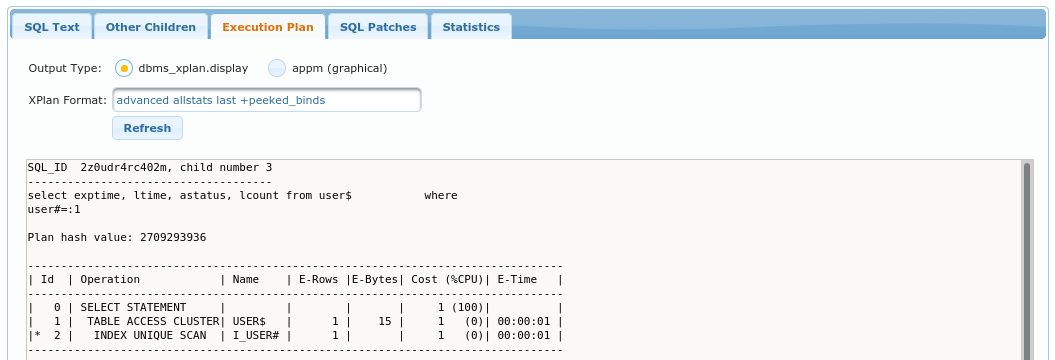
This tab display execution plan for selected child number. Plan is displayed either with dbms_xplan or graphically
if Output Type is selected to be appm (graphical).
XPlan Format determines options passed directly to dbms_xplan.
SQL Patches
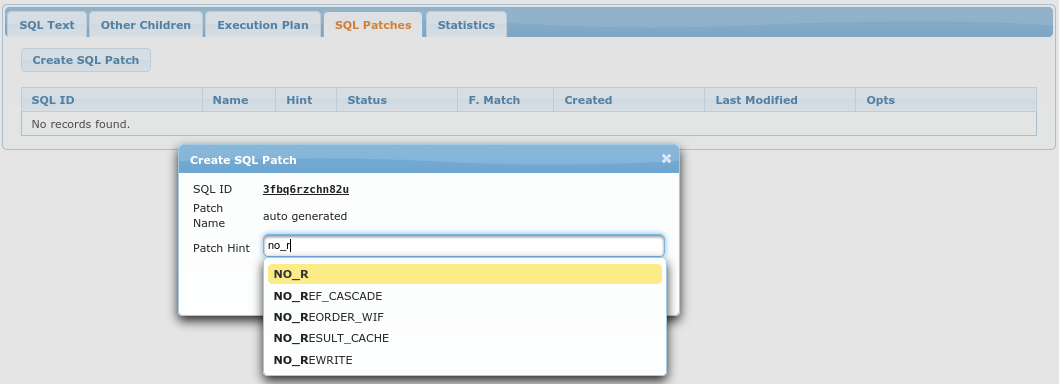
This is where you can create new SQL Patch for selected sql_id.
List of all SQL Patches (for all sql_ids) is also available at Performance -> SQL Patches.
Columns of this table are also explained under Performance -> SQL Patches.
Create SQL Patch opens up the dialog in which you can enter:
Patch Name- optionally, it is auto-generated if you don’t enter itPatch Hint- actual hint to apply to givensql_id.Enable block input- is used to display textarea where you can paste Outline Data from plan (or specify a bunch of hints manually).
Note that after you click Create SQL Patch the sql is automatically flushed from SGA because we want it to
be hard parsed next time it executes. This also means that after creating a Patch this view won’t be able
to display any data regarding given sql_id, because it is not available anymore (until the next execution).
Statistics
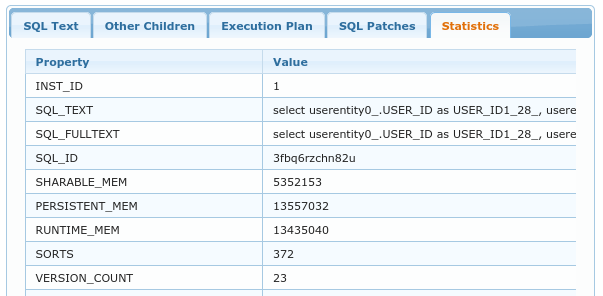
This tab displays all columns from v$sqlarea for given sql_id.